Best for
Developers juggling background AI agents who just want a glanceable signal in the Dock.
Native macOS Dock signal
Download the macOS app and get one pixel-clear Dock light for every AI agent status.

Hum turns your macOS Dock into one status light for your AI coding agents. A glance tells you whether they're idle, thinking, running something, waiting on you, done, or stuck. An optional menu-bar meter also shows how much Claude, Codex, and Gemini subscription quota you have left — read-only, and never uploaded anywhere.
Developers juggling background AI agents who just want a glanceable signal in the Dock.
Codex, Claude, Cursor, Antigravity, Gemini, and custom local HTTP push events.
Everything stays local and read-only. Hum never controls your agents or sends status data to a server.
The Dock icon has to read at a glance, so it shows one color for one state — and when several agents disagree, the most urgent one wins.
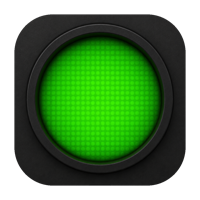
No active work, no fresh signal.
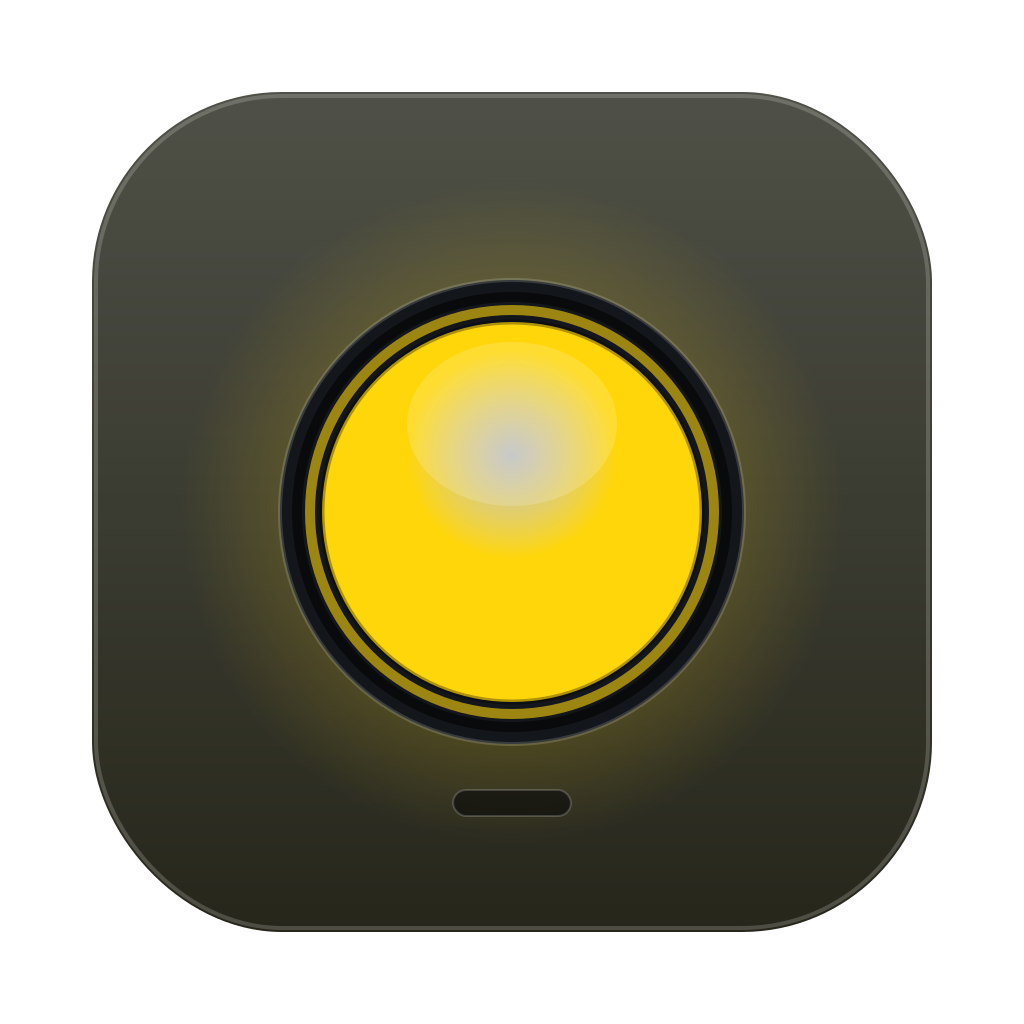
An unfinished turn is reasoning.

Commands, tools, tests, or builds are running.
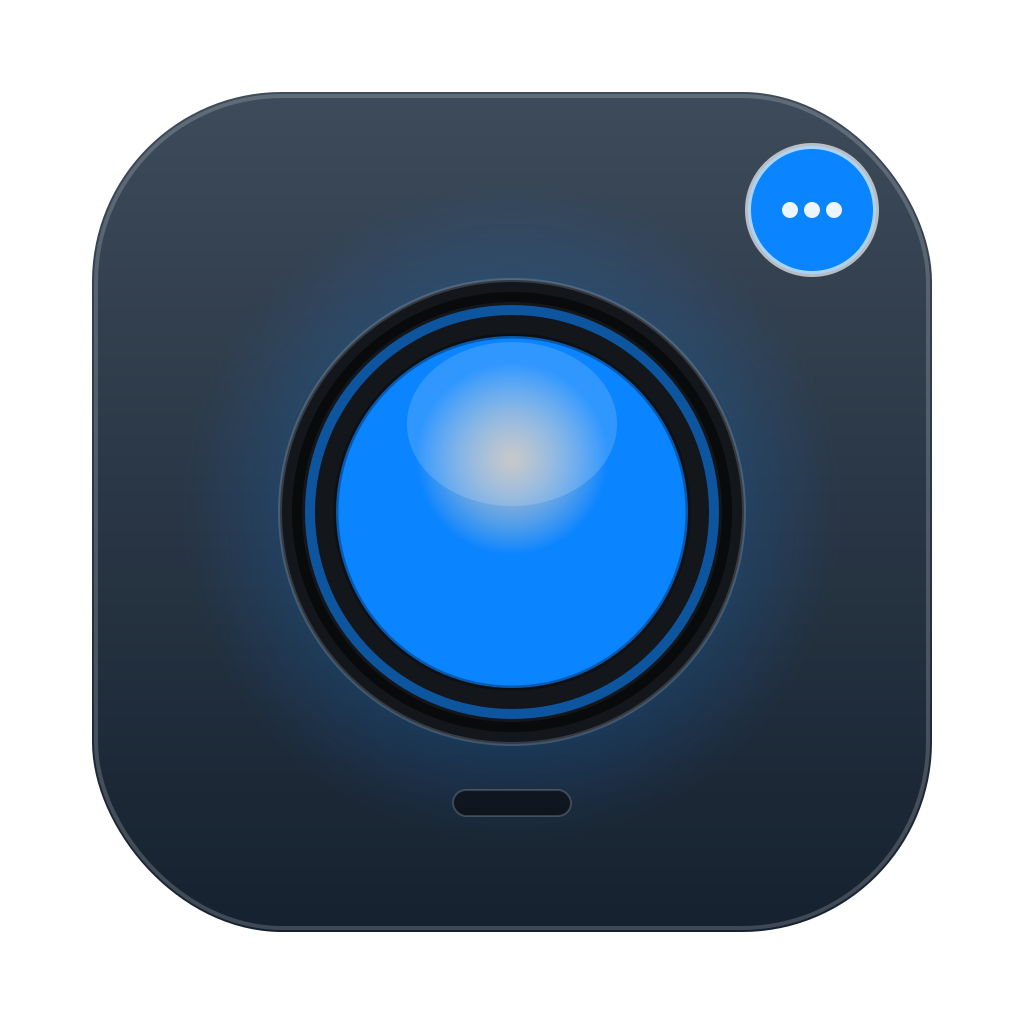
Permission, confirmation, or input is needed.
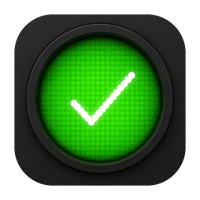
Completion stays lit — and labeled done Xm ago — until you've seen it.
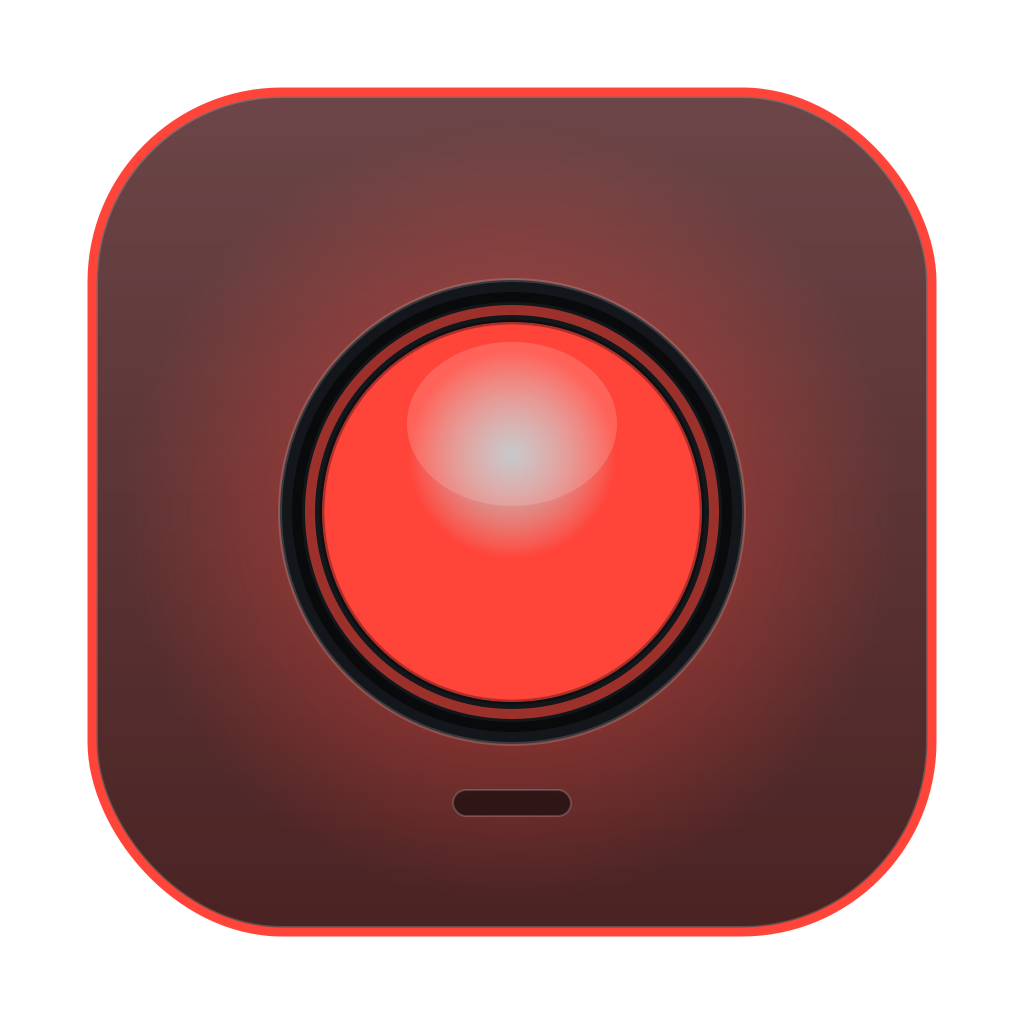
Failure is surfaced before falling back to waiting.
One click on the Dock icon opens a compact floating panel. Each agent gets a row with its live state, an activity badge, the latest message, and how long ago it last moved.
Every source shows its normalized state, an activity badge, and its latest message in one place.
"Updated 2s ago" tells you which agent just moved and which one has gone quiet.
Optional chimes for waiting and error, off by default, toggled right inside the panel.
Tap the ♫ to stream Claude FM while you work — audio only, no extra window. Needs yt-dlp.
Hum does one job: make background AI coding work visible without adding another window, inbox, or always-on console to babysit.
Click the Dock icon for a compact Raycast-like dashboard, or just read the beacon color.
Read-only adapters watch Codex, Claude, Cursor, Antigravity, and Gemini sessions conservatively — and optional one-click hooks push instant, second-level status from Claude Code, Codex, Gemini CLI, Cursor, Kimi and Claude-fork agents.
Custom agents can report status to 127.0.0.1:8765/status.
No Electron shell. A small macOS app built around AppKit, SwiftUI, and Dock rendering.
Sources and display stay cleanly separated: providers read state, the manager handles timers and priority, and the renderer paints the Dock icon.
Codex, Claude, Cursor, Antigravity, Gemini, and HTTP push events become normalized status updates.
Signals expire after 120 seconds. Success lasts 3 seconds; error lasts 5 seconds.
The Dock icon uses asset-driven E3 Single Beacon visuals for readable status.
Download the macOS app, open it once, and keep Hum in your Dock while your agents work.
Get the latest Hum macOS app as a .dmg disk image.
Download for macOSOpen the DMG, drag Hum to Applications, then follow the included Read Me to finish first launch.
Read the FAQLeave it running and read your agents from the color-coded beacon states.
See statesHum is intentionally narrow. That is the point: fewer promises, a cleaner Dock signal, and no extra control layer.
Out of the box, Hum watches Codex, Claude, Cursor, Antigravity, and Gemini read-only — and right-clicking the Dock icon installs optional hooks for instant status (Claude Code & forks, Codex, Gemini CLI, Cursor, Kimi). Need another agent? Reach out to the developer, or push it yourself — any tool can POST its status (the agent name, a state, and a short message) to the local endpoint at 127.0.0.1:8765/status.
No. It visualizes status only. It does not run agents, approve permissions, edit prompts, or show logs. Its optional menu-bar usage meter is read-only and never leaves your Mac.
There's no cloud service at all. Local providers are read-only, and the HTTP push endpoint only listens on 127.0.0.1 (your machine).
The Swift package targets macOS 14 or newer.
Success falls back to idle after 3 seconds. Error falls back to waiting after 5 seconds. Stale agent signals expire after 120 seconds.
It opens a compact floating dashboard: one row per agent with its live state, an activity badge, the latest message, and a relative timestamp. Optional sound cues for waiting and error can be toggled inside the panel and are off by default.